How to Change Your Phone Number Follow

Do you need to update your contact information in AI Growth Advisor? This quick guide walks you through the simple steps to update your phone number on your account, ensuring your profile remains current and secure.
Step 1: Log in to Your Account
- Log in using your email and password.
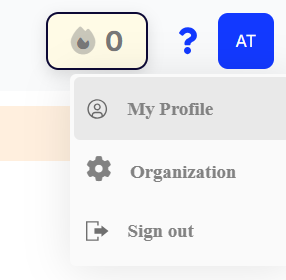
Step 2: Access Your Profile
- Click on your profile logo.
- Select the 'Profile' option from the drop-down menu.
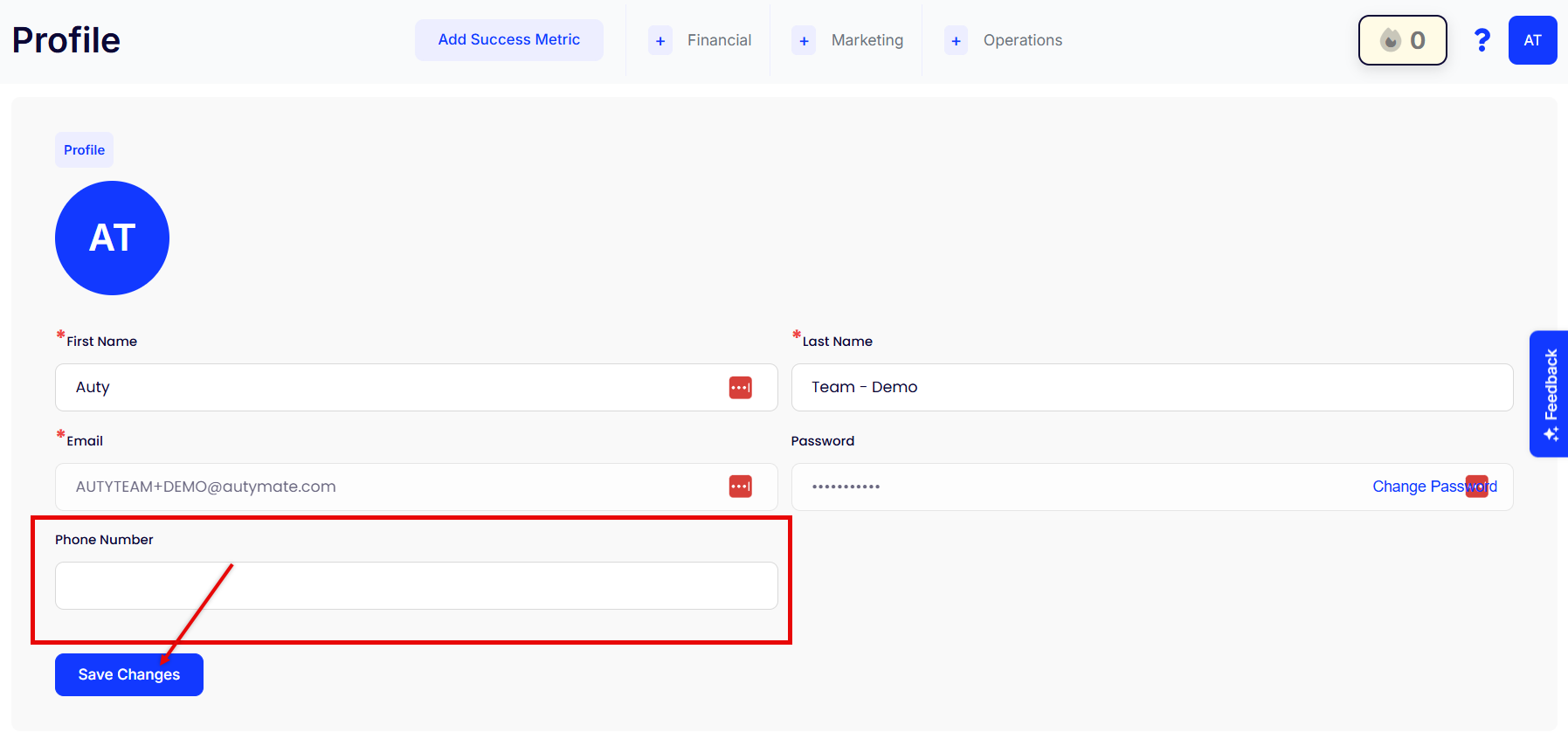
Step 3: Change Your Phone Number
- Go to the 'Phone Number' tab.
- Click on 'Change Phone Number'.
Step 4: Enter New Phone Number Details
- Enter the new Phone Number and hit Save Changes.
Done!
- Congratulations! Your Phone Number has been updated successfully.
- Remember your new phone number for the future.
Comments
0 comments
Article is closed for comments.