Data Sync API Follow

Overview
The Data Sync API facilitates the secure transfer of already standardized business data into different platforms, such as QuickBooks Online. It helps you manage scheduled data delivery between connected platforms, ensuring the timely delivery of business data.
How to Use the Data Sync API
Step 1: Connect Your Apps
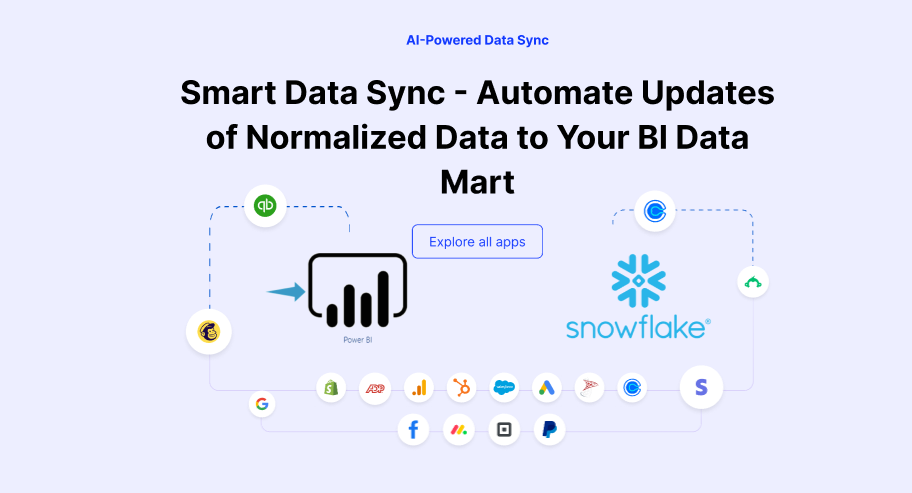
Select and connect your apps (e.g., QuickBooks, Salesforce, Google Sheets, ADP) with BI tools (like Power BI or Snowflake).
Step 2: Automate Your Data Sync
Configure recurring export schedules to transmit user-standardized data into your BI data mart.

Step 3: Monitor & Manage Syncs
Easily monitor your data transfers through clear logs and indicators, ensuring all your information is current and accurate.
Key Features of Data Sync API
Preconfigured Update Events: Schedule data transfer events to eliminate repetitive manual exports.
Broad Compatibility: Connects seamlessly with popular apps like QuickBooks, Google Sheets, ADP, Salesforce, and others.
Easy Monitoring: Real-time tracking and reporting of sync statuses.
Reliable Performance: Clear indicators (green for success, red for failures) ensure easy troubleshooting and data accuracy.
Benefits for Your Business
Improved Data Accuracy: Scheduled syncing ensures timely, consistent delivery of the data you've prepared.
Saves Time: Eliminates manual data transfer, giving your team more time to focus on essential tasks.
Quick Problem Solving: Instant visibility into sync issues, making it easy to resolve problems fast.
Enhanced Reporting: Accurate, up-to-date data lets your business make smarter, quicker decisions.
The Data Sync API makes data management simple, automatic, and accurate, helping you maintain a clear, real-time picture of your business performance.
Comments
0 comments
Article is closed for comments.